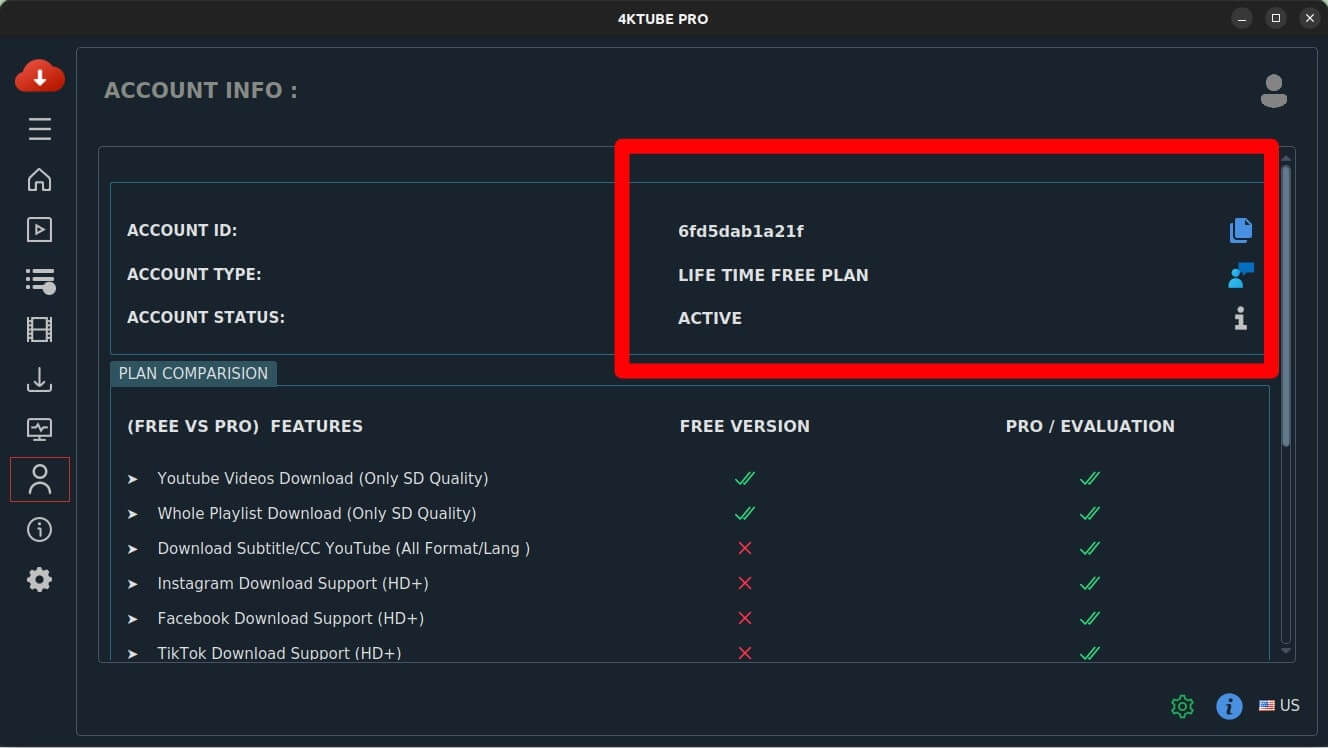
Open the app and go to Account
Launch the app you bought and open its Account section from the sidebar.
After your payment
Your licence is linked to your Account ID the moment the payment clears. All that's left is to let the app pick it up — it takes about a minute, and you never have to email us for a key.
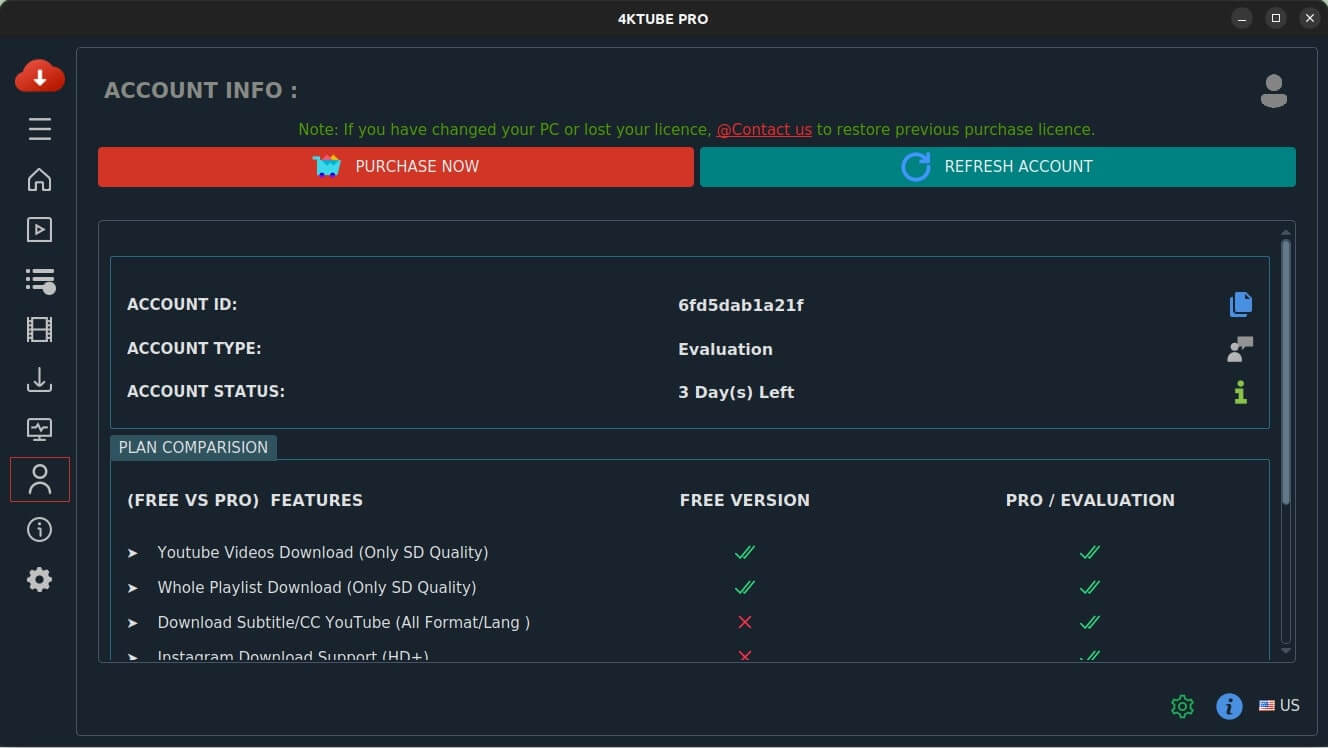
Launch the app you bought and open its Account section from the sidebar.
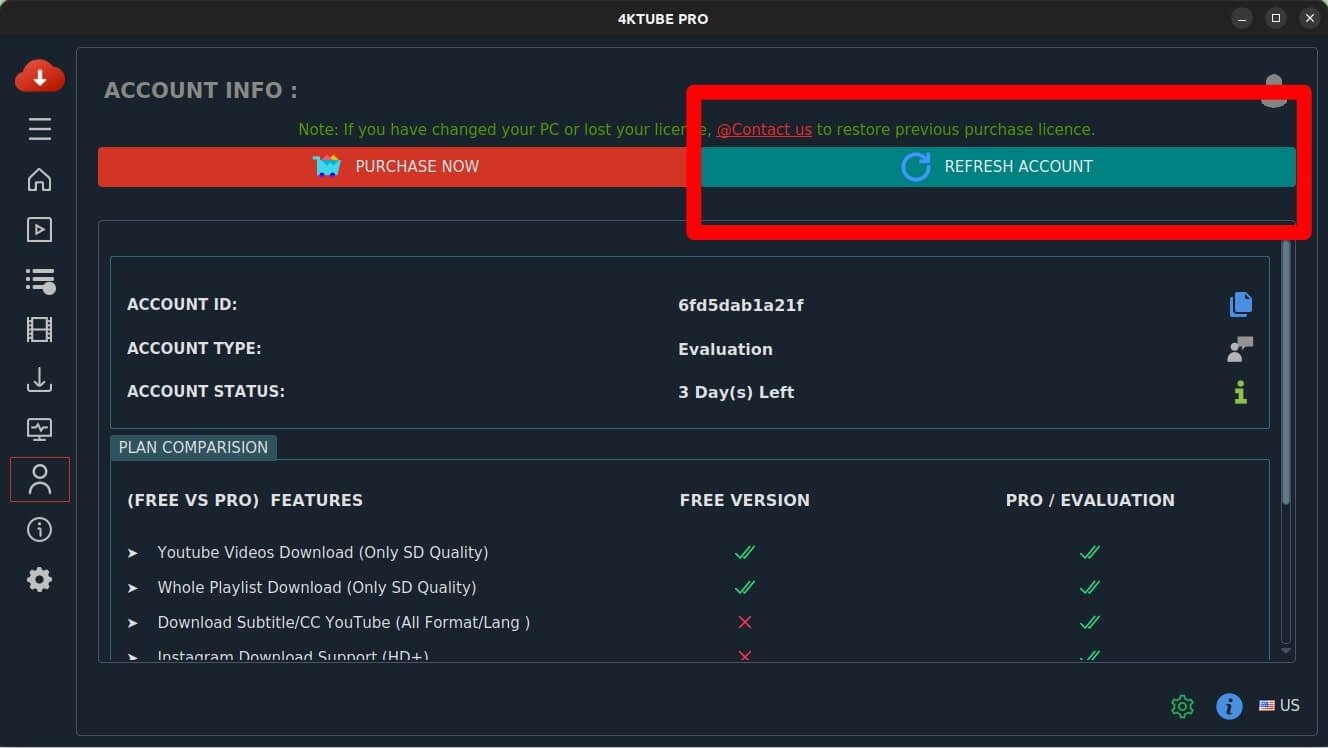
Use the Refresh button at the top right. The app checks your Account ID against our records and pulls the licence down.
The account panel now shows your licence as active. Nothing else to enter, and it stays activated on this machine.