DL-YouTube, also published as Media Downloader, is an all-in-one desktop video downloader for Linux and Windows. It saves video and audio from YouTube, Instagram, TikTok, Facebook, X, Twitch, Reddit, SoundCloud and more than 1,400 other websites — one app instead of a different questionable site for every platform.
More than 1,400 supported sites
Site coverage is the point of this app. Where 4KTUBE is tuned specifically for YouTube at maximum resolution, DL-YouTube is the generalist you reach for when the link could be from anywhere:
YouTube · YouTube Music · Instagram · TikTok · Facebook · X (Twitter) · Twitch · Vimeo · Dailymotion · Reddit · SoundCloud · Rumble · Odysee · BitChute · Brighteon · Pinterest · LinkedIn · Snapchat · ESPN · Yahoo · Arte · Fandom · Bilibili · Wikimedia — and around 1,400 more.
What you can download
- Video — MP4, WEBM or MKV at your chosen resolution.
- Audio — MP3, M4A, WAV, FLAC or Opus extracted from any supported video.
- Instagram reels, TikTok clips and Facebook videos — saved as MP4, watermark-free where the platform allows.
- Twitch VODs and clips — kept locally for offline viewing.
- Reddit video — video and audio merged into a single file, which is the part most tools get wrong.
- Whole YouTube playlists — queued in one action.
- Subtitles and closed captions — saved alongside the video.
- Multi-language audio tracks — choose the dubbed track rather than the default.
Batch downloading runs many jobs at once instead of one at a time, and the interface is available in more than 35 languages.
Installing DL-YouTube on Linux
From the Snap Store:
sudo snap install youtube-dl-proFrom Flathub:
flatpak install flathub com.warlordsoftwares.media-downloaderA portable AppImage is published with every release too, which runs on essentially any distribution without installing anything.
Installing on Windows
Windows 10 and 11, 64-bit. Download the installer from the project's latest release — the button at the top of this page always points at the current build.
How to download a video
- Copy the link from wherever it lives, or search YouTube from inside the app.
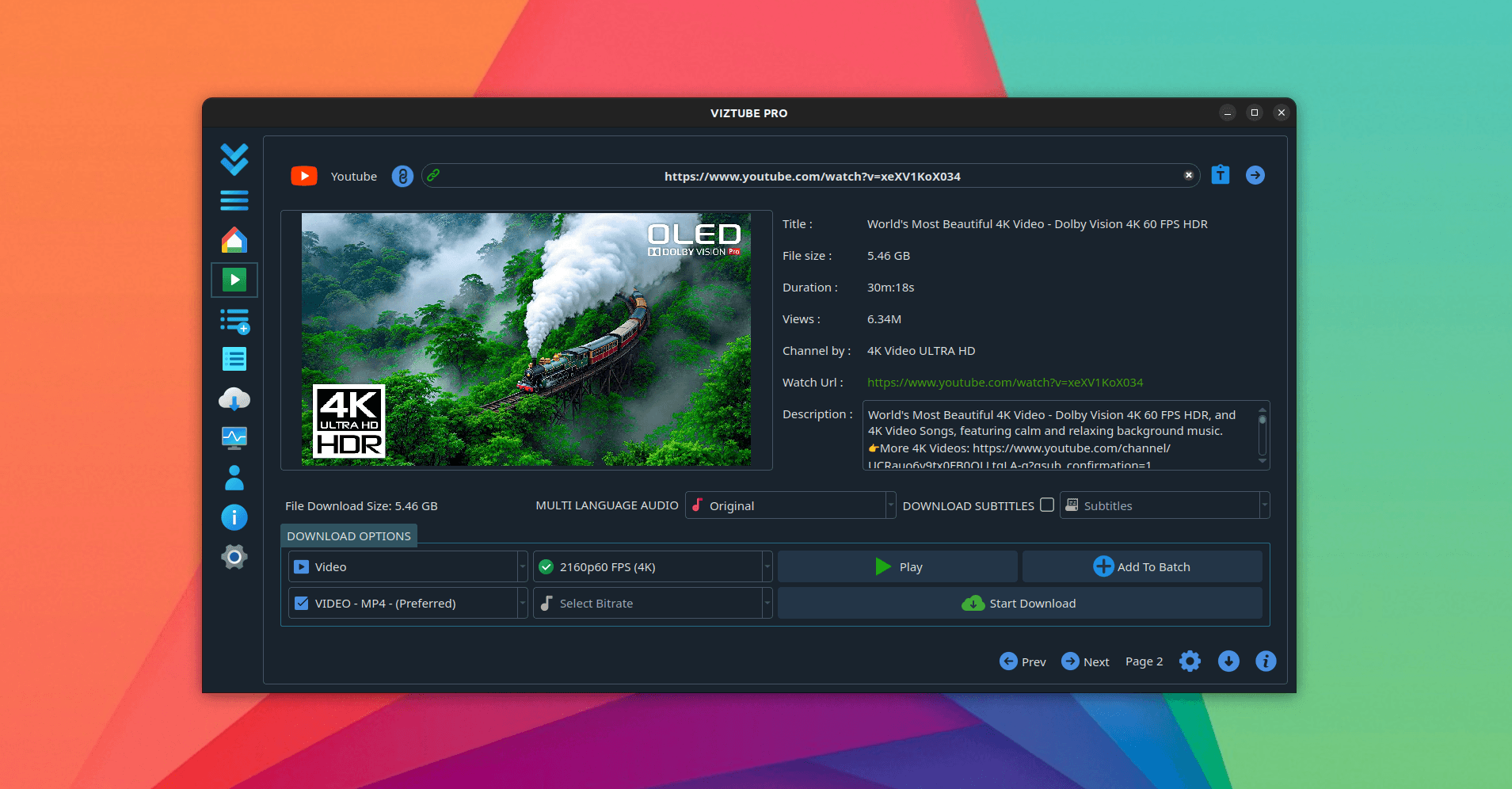
- Paste it into DL-YouTube. Available formats and resolutions are read from the source.
- Choose video or audio, the format, and whether you want subtitles.
- Start the download, or paste a list of links and let the queue work through them.
You can preview a video inside the app, ad-free, before deciding whether to save it at all.
System requirements
- Linux — Ubuntu 20.04+, Debian 11+, Fedora 36+, Arch, or anything that runs Flatpak, Snap or AppImage
- Windows — Windows 10 or 11, 64-bit
- Architecture — x86_64, 4 GB RAM
Frequently asked questions
Which sites does it support?
More than 1,400, including YouTube, Instagram, TikTok, Facebook, X, Twitch, Vimeo, Reddit, SoundCloud, Rumble and Odysee.
How do I download a video as MP3?
Paste the link, switch the output to audio, pick MP3, FLAC, M4A or Opus and download. Only the audio track is saved.
How is this different from 4KTUBE?
DL-YouTube is the general-purpose downloader with the widest site coverage, for grabbing media from anywhere. 4KTUBE is the YouTube specialist, tuned for maximum resolution up to 8K, playlists and in-app search. If most of your links are YouTube, take 4KTUBE; if they come from everywhere, take this one.
Is it free?
Free to download and use, with a one-time Pro upgrade and no subscription. See plans and pricing.
Does it contain ads or trackers?
No. It ships from Flathub, the Snap Store and signed release builds with no advertising, no analytics and no bundled installers.
Related write-ups
For YouTube at maximum resolution, see 4KTUBE. For converting what you have saved, see FormatLab or Panda Video Converter.