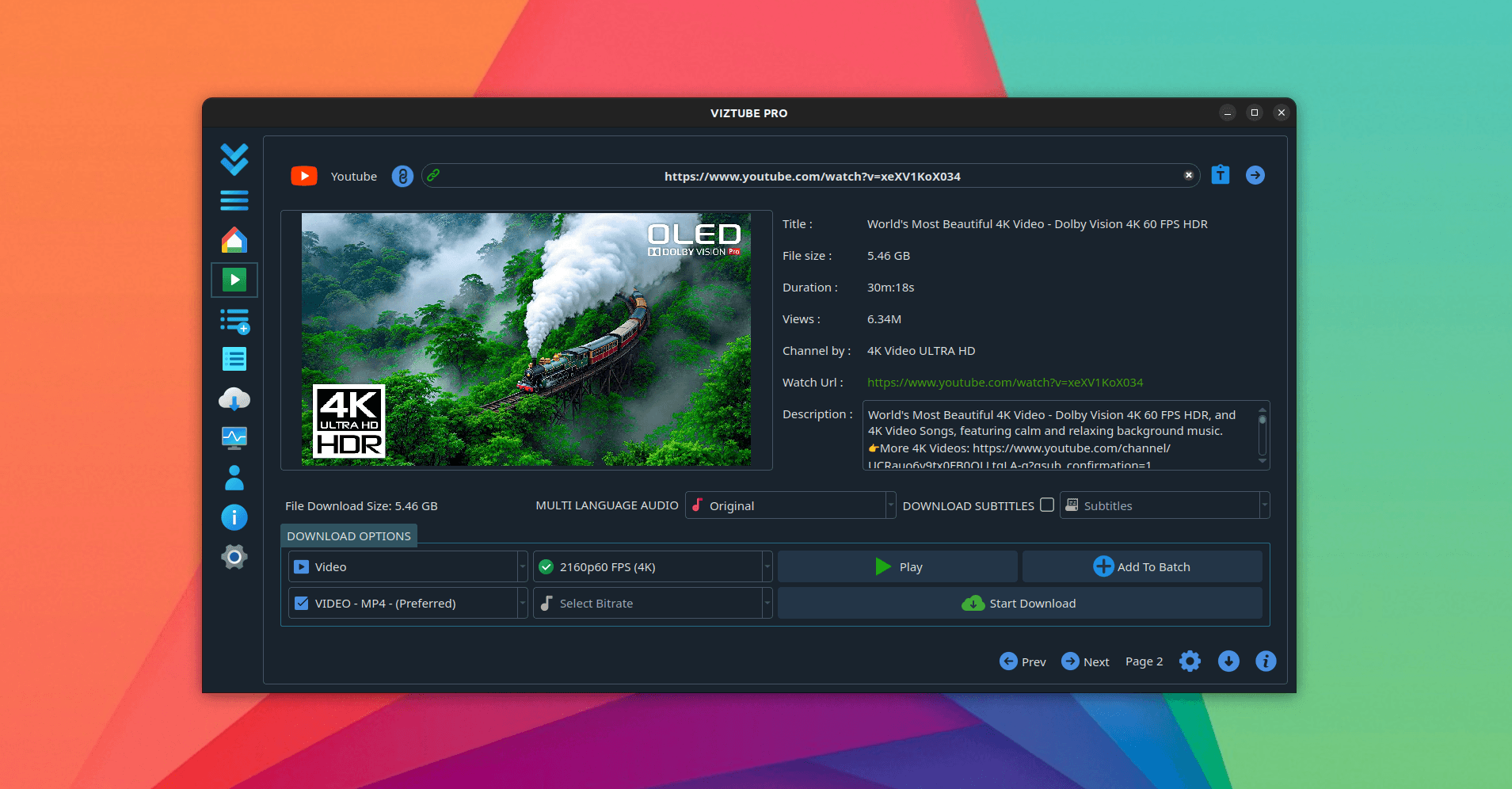
TUBE2GO is a straightforward desktop YouTube downloader for Linux and Windows. Paste a link, pick a format, get the file — videos, playlists, music and audio in high definition, in an interface available in more than 35 languages.
What TUBE2GO downloads
- YouTube video — multiple formats, one click.
- Whole playlists — the entire list queued in one go.
- Audio as MP3 — or other audio formats, extracted from the video.
- Other platforms — Facebook, Instagram, TikTok, Rumble and Twitter.
- Subtitles and closed captions.
- Multi-language audio tracks — pick a dubbed track where the upload has one.
- Batch downloads — several at once.
There is in-app YouTube search with region-specific suggestions, ad-free streaming for when you only want to watch something once, and a built-in usage monitor so you can see what the downloads are costing your connection.
Installing TUBE2GO on Linux
From the Snap Store:
sudo snap install tube2goA portable AppImage ships with each release and runs on any modern distribution without installing a package.
Installing on Windows
Windows 10 and 11 are supported, with the installer published on the project's releases page.
Frequently asked questions
How do I download YouTube audio as MP3?
Paste the link, switch the output to audio and choose MP3. Only the audio track is saved.
Can it download an entire playlist?
Yes — one action queues every video in the playlist.
Is it free?
Free to download and use, with a one-time Pro upgrade and no subscription. See plans and pricing.
Does it show ads?
No. In-app streaming is ad-free and there are no trackers.
Related write-ups
For YouTube at 4K and 8K, see 4KTUBE. For downloading from more than 1,400 sites rather than the main few, see DL-YouTube. For alternative platforms such as Odysee and BitChute, see VIZTUBE.